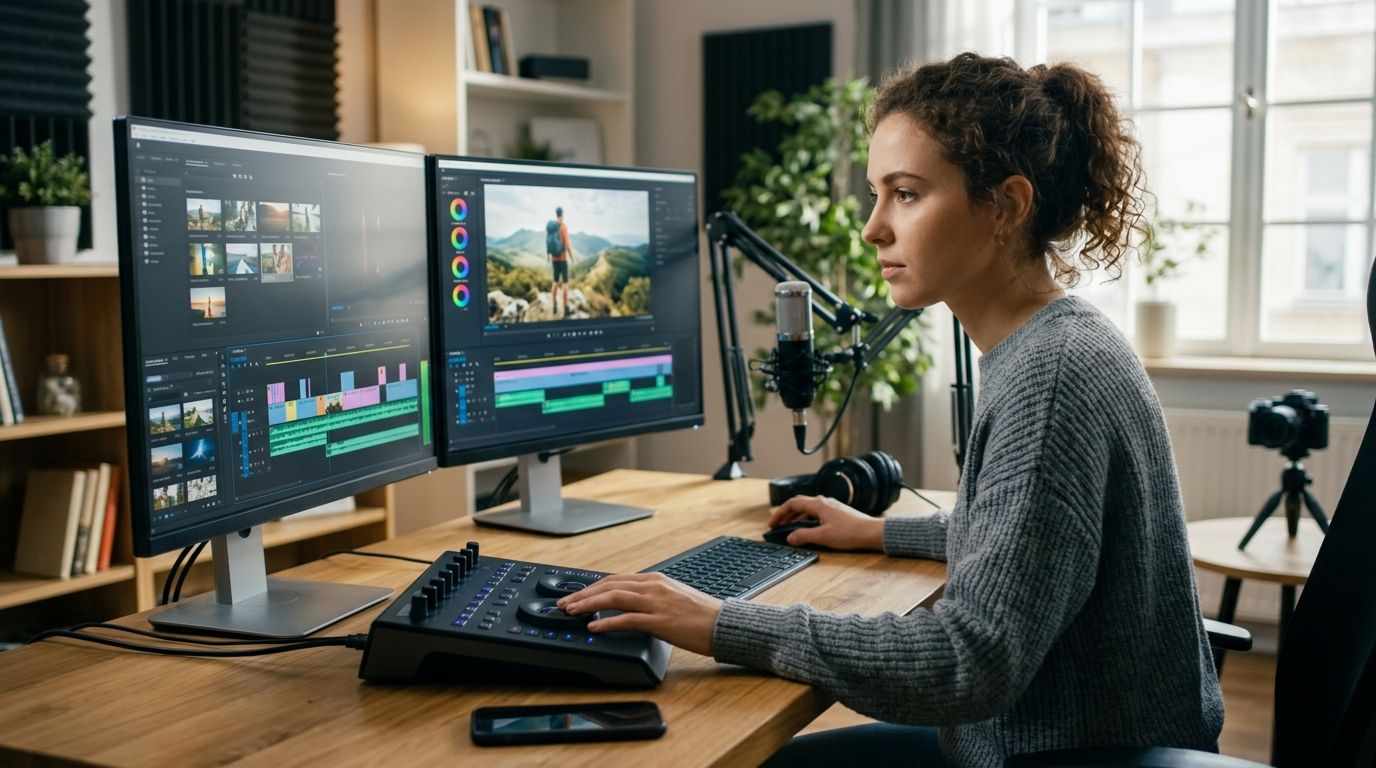
Best overall for creators who want editing handled entirely: ge.digital's video editing service. Best free professional option: DaVinci Resolve. Best for short-form social clips: CapCut. Best for long-form YouTube production: Adobe Premiere Pro. Best for podcast-to-video repurposing: Descript. Best for Mac-based creators who want fast native rendering: Final Cut Pro.
Every one of these has a clear lane in 2026 — none of them is the "best" tool for every creator, and that's the point of this guide.
- ge.digital's video editing service wins for creators who want editing off their plate entirely, paired with content strategy.
- DaVinci Resolve is the best video editing tool for creators who want professional color grading without a subscription.
- CapCut leads for short-form clips built for TikTok, Reels, and Shorts in 2026.
- Adobe Premiere Pro stays the standard for long-form YouTube creators already in the Adobe ecosystem.
- Descript is the fastest way to turn a podcast into shareable video clips by editing a transcript.
Why this matters
Most creators lose more time picking a video editing tool than they'd lose just editing the footage. The real decision isn't "which app is best" — it's which workflow matches how much you publish, how much time you have, and whether you'd rather touch the timeline yourself or hand it off. ge.digital works with creators, coaches, and founders who chose the second option: editing gets handled so the content calendar doesn't stall.
The six options below cover both paths — software you run yourself, and a service that runs it for you.
What makes the best video editing tool
- Learning curve that matches your actual time budget, not your ambitions
- Export quality and format support for your primary platform — YouTube, TikTok, Instagram, or a client's site
- Hand-off options if you work with an editor, assistant, or agency instead of cutting solo
- Automation and templates for creators publishing daily versus weekly
- Native caption, color, and audio tools so you're not bouncing between four apps
- Platform fit — desktop power vs. mobile speed vs. fully outsourced
At a glance
| Tool | Best for | Standout feature | Key limitation |
|---|---|---|---|
| ge.digital video editing | Creators who want editing off their plate | Paired with content strategy and analytics, not just cuts | Solo-operator capacity, not a self-serve app |
| DaVinci Resolve | Colorists and budget-conscious pros | Node-based color grading built in | Steep learning curve for beginners |
| CapCut | Short-form social clips | Auto-captions and trending templates | Shallow color and audio tools |
| Adobe Premiere Pro | Long-form YouTube in the Adobe ecosystem | Deep integration with After Effects and Audition | Heavier system requirements |
| Descript | Podcast-to-video repurposing | Edit video by editing the transcript | Less precise for frame-accurate cuts |
| Final Cut Pro | Mac-based creators | Fast native rendering on Apple Silicon | Mac-only, no Windows version |
1. ge.digital: best video editing tool for creators who want editing handled entirely
ge.digital is a solo-operator digital growth agency that handles content strategy, video editing, website and funnel builds, and analytics for creators, coaches, founders, and service businesses. Instead of a timeline and an export button, you get a working relationship — someone who understands the voice and audience behind the footage, not just the raw clips.
ge.digital pros:
- One point of contact for editing instead of juggling software subscriptions and tutorials
- Editing sits alongside content strategy, so cuts match a broader plan instead of a one-off request
- Works from the creator's actual voice, not a generic template
ge.digital cons:
- Solo-operator model, so capacity is finite compared to a large editing team
- Not a self-serve tool — you don't touch the timeline yourself
- Fits ongoing content operations better than a single isolated edit
Best for: creators, coaches, and founders who'd rather run the business than learn a timeline.
Verdict: Buy if editing is the bottleneck between filming and publishing.
2. DaVinci Resolve: best video editing tool for professional color grading on a budget
DaVinci Resolve runs a full node-based color grading system alongside standard cutting, audio mixing, and visual effects tools. It's built by Blackmagic Design and used across broadcast and film post-production, not just YouTube.
DaVinci Resolve pros:
- Color grading depth that rivals dedicated grading software
- Full audio mixing panel (Fairlight) built into the same app
- Regular feature updates through 2026 keep it competitive with paid suites
DaVinci Resolve cons:
- Steep learning curve for anyone new to node-based color work
- Heavier hardware demands than lighter mobile-first editors
- Some advanced features sit behind the Studio version
Best for: creators who care about color and are willing to climb a learning curve.
Verdict: Buy if visual quality matters more than speed to publish.
3. CapCut: best video editing tool for short-form social clips
CapCut is built for vertical, fast-turnaround content — TikTok, Reels, and YouTube Shorts. Templates, auto-captions, and trending effects are baked in so a clip can go from footage to post in one sitting.
CapCut pros:
- Auto-captioning saves real time on short-form batches
- Mobile and desktop versions stay in sync
- Trending templates make short-form experimentation fast
CapCut cons:
- Shallow color grading and audio tools compared to Resolve or Premiere
- Template-driven editing can make content look like everyone else's
- Less suited to long-form or narrative-heavy projects
Best for: creators publishing daily or near-daily short-form clips.
Verdict: Buy for volume short-form work, Skip for long-form documentary-style content.
4. Adobe Premiere Pro: best video editing tool for long-form YouTube production
Premiere Pro remains the industry-standard timeline editor for long-form YouTube and branded video work in 2026, largely because of how tightly it links to After Effects and Audition for motion graphics and audio cleanup.
Premiere Pro pros:
- Deep integration with After Effects for motion graphics
- Extensive third-party plugin and preset ecosystem
- Familiar to most professional editors, which matters if you outsource later
Premiere Pro cons:
- Heavier system requirements than lightweight mobile editors
- Steeper onboarding than template-driven tools like CapCut
- Subscription-based access model
Best for: creators producing long-form YouTube content who already use Adobe tools.
Verdict: Buy if you're already in the Adobe ecosystem; Wait if you're starting from zero.
5. Descript: best video editing tool for podcast-to-video repurposing
Descript edits video by editing a text transcript — cut a sentence from the transcript and the corresponding clip disappears from the timeline. That workflow is built specifically for creators turning long podcast or interview footage into shorter video clips.
Descript pros:
- Text-based editing speeds up rough cuts dramatically
- Strong fit for repurposing long-form audio into short video clips
- Overdub and transcript tools built into the same workflow
Descript cons:
- Less precise for frame-accurate, motion-heavy edits
- Rendering can slow down on longer files
- Not built for color grading or complex visual effects
Best for: podcasters and interview-format creators repurposing long recordings.
Verdict: Buy for repurposing workflows, Skip for cinematic or effects-heavy edits.
6. Final Cut Pro: best video editing tool for Mac-based creators
Final Cut Pro uses a magnetic timeline built around Apple hardware, with rendering speeds that take advantage of Apple Silicon chips. It's a one-time purchase rather than a subscription, which appeals to creators who dislike recurring software costs.
Final Cut Pro pros:
- Fast native rendering on Apple Silicon Macs
- Magnetic timeline speeds up basic trimming and reordering
- No recurring subscription model
Final Cut Pro cons:
- Mac-only — no Windows version exists
- Smaller plugin ecosystem than Premiere Pro
- Less common among professional editing teams if you plan to outsource later
Best for: solo Mac creators who want speed without a subscription.
Verdict: Buy if you're Mac-committed; Skip if you collaborate with Windows-based editors.
How we ranked these
Each tool was measured against the criteria above: learning curve, export and platform fit, hand-off flexibility, automation depth, and native tool coverage. ge.digital ranks first not because it's software, but because "hand-off flexibility" is a real criterion — and for creators who'd rather not touch a timeline at all, an outsourced service beats every app on this list.
Let ge.digital handle the editing
Content strategy and video editing, built around your voice.
Which video editing tool should you choose?
If you're publishing short-form daily, pick CapCut. If you're building a long-form YouTube channel and already own Adobe software, pick Adobe Premiere Pro. If color and audio quality matter more than speed, pick DaVinci Resolve. If you're repurposing podcast audio into clips, pick Descript. If you're Mac-committed and want speed without a subscription, pick Final Cut Pro.
If none of that sounds like a good use of your week in 2026, hand it to ge.digital and spend the time on the parts of the business only you can run. Before deciding between software and a service, it helps to understand how much a digital marketing agency costs in 2026, since editing rarely comes as a standalone line item.
FAQ
What's the best video editing tool for beginners in 2026?
CapCut is the easiest starting point for short-form content because of its templates and auto-captions. For long-form editing, DaVinci Resolve's free tier is the most capable option once you're past the initial learning curve.
Is CapCut better than Adobe Premiere Pro for short-form content?
Yes, for pure short-form speed. CapCut's mobile-first templates and auto-captions get a clip published faster, while Premiere Pro is built for longer, more complex timelines.
Do I need Adobe Premiere Pro if I only post on TikTok?
No. Premiere Pro is built for long-form, multi-track projects. CapCut handles vertical short-form content with less setup and faster export.
Is DaVinci Resolve really free?
DaVinci Resolve offers a full free version with editing, color grading, and audio tools. Some advanced features sit behind the paid Studio version.
Should I hire a video editor or learn to edit myself?
It depends on your time budget. Creators publishing consistently often save more by handing editing to a service like ge.digital than by spending hours learning a new timeline.
What's the best video editing tool for podcasters repurposing content?
Descript is built specifically for this. Editing the transcript edits the video automatically, which speeds up turning a long podcast into short clips.
Can Final Cut Pro run on Windows?
No. Final Cut Pro is Mac-only. Windows-based creators should look at DaVinci Resolve or Adobe Premiere Pro instead.
What's the best video editing tool for content creators who don't want to edit at all?
ge.digital's video editing service is built for exactly this — editing paired with content strategy so creators can stay focused on filming and their audience.
One last thing
Descript's transcript-based editing means a filler word gets removed from the video the instant it's deleted from the text — no timeline scrubbing required. It's a small detail, but it's the fastest rough-cut workflow on this list for anyone repurposing long recordings into short clips in 2026.